go to https://www.lunaproxy.com/residential_api/ this page.
Press enter or click to view image in full size
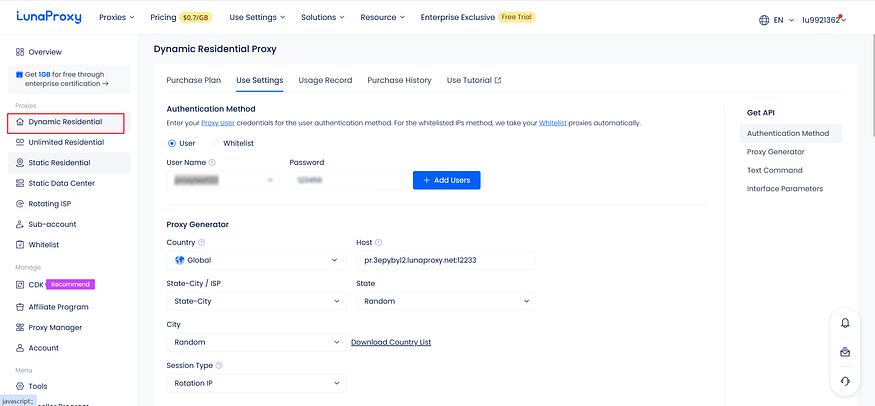
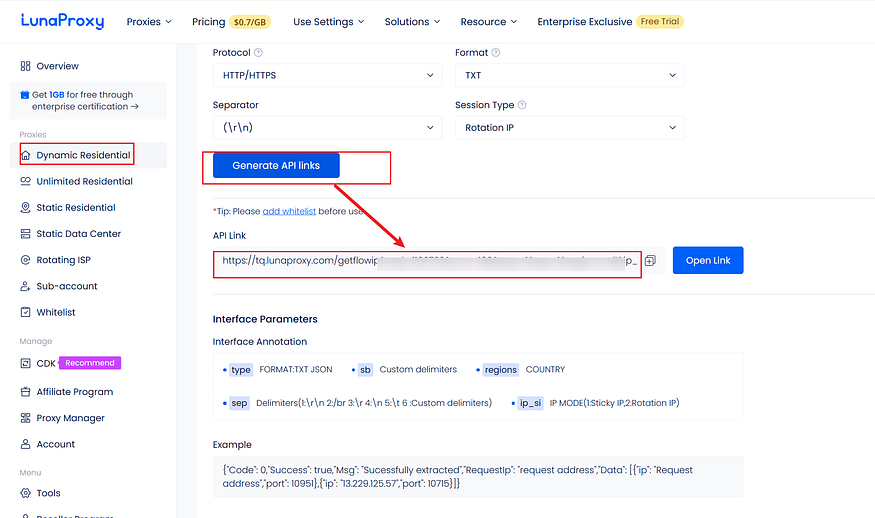
click “Dynamic Residential” menu
2. Authentication Method — user
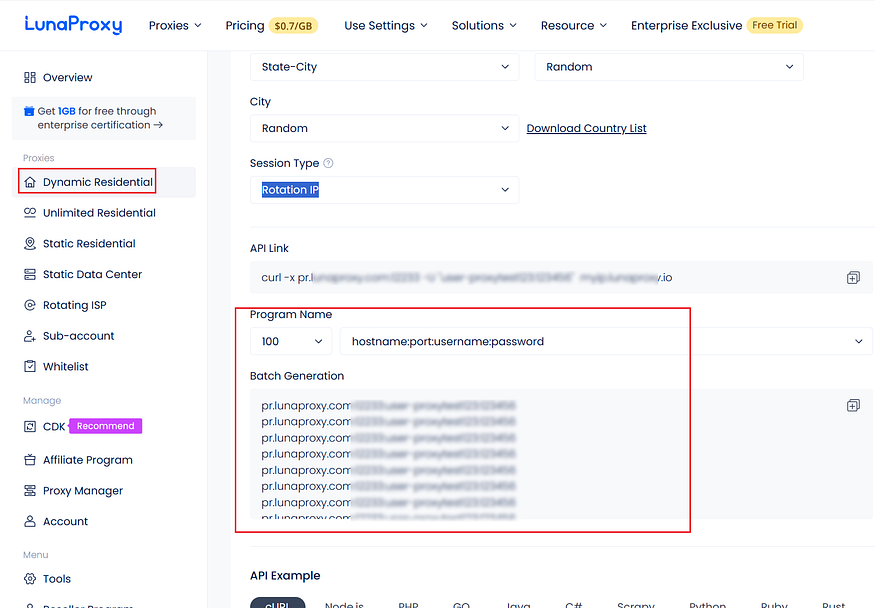
Put the username, password, host, input into the program, the program automatically generates a specified num proxy for you.
Rotation IP
Press enter or click to view image in full size
Of course, you can generate it yourself, and then format it into a template format for program importing
Press enter or click to view image in full size
csv templte(The template that can be recognized by the program)
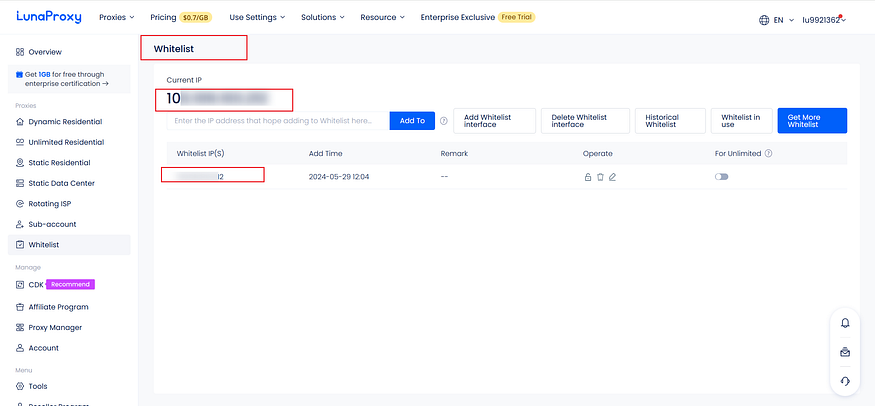
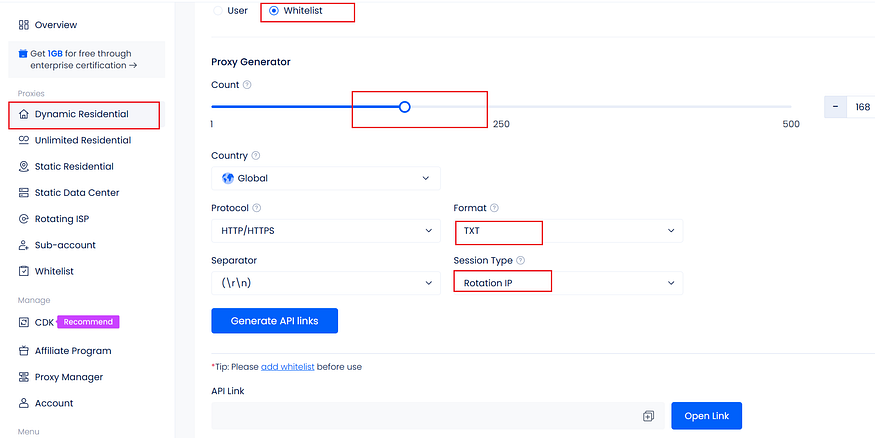
3. Authentication Method — Whitelist
Tip: Please add whitelist before use
Press enter or click to view image in full size
You can set the number generated, IP mode, select the country, etc.
Press enter or click to view image in full size
Press enter or click to view image in full size
open the api link like this
Press enter or click to view image in full size
important hint:
This proxy website has nothing to do with us. We are just for users to find and buy proxy, and take a proxy website we often use as an example. Only this.